
Catalogue Overview
The catalogue shows all available demonstrators as cards. Use the filters on the left and the search bar on top to quickly narrow down what you’re looking for.
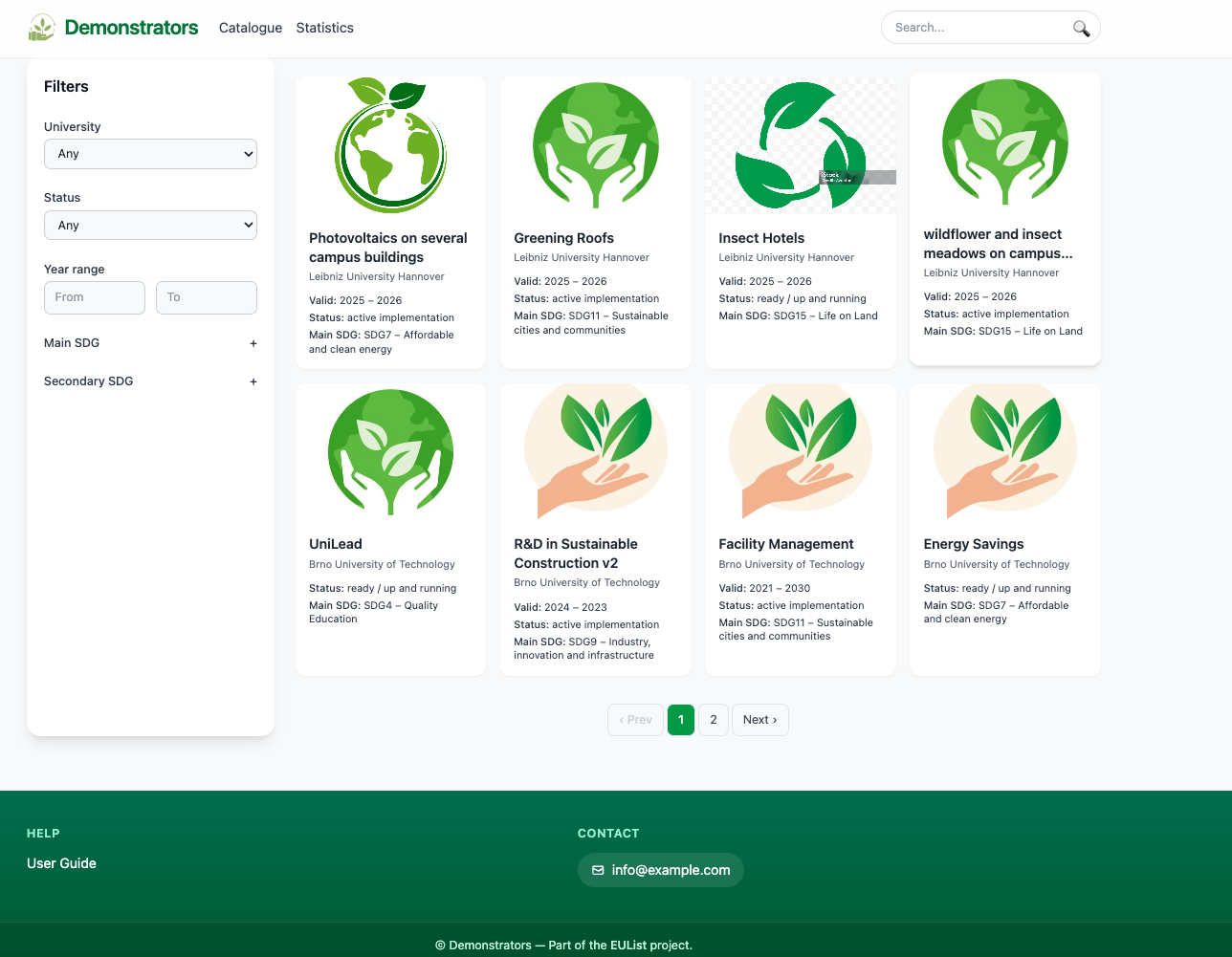
A quick guide to searching, filtering, and exploring Sustainability Demonstrators.
The catalogue shows all available demonstrators as cards. Use the filters on the left and the search bar on top to quickly narrow down what you’re looking for.
Use the search field in the top navigation to look up demonstrators by name. Type a few letters and press Enter or click the search icon.
Use the numbered buttons at the bottom to jump directly to a page. You can also use Prev / Next to step through results.
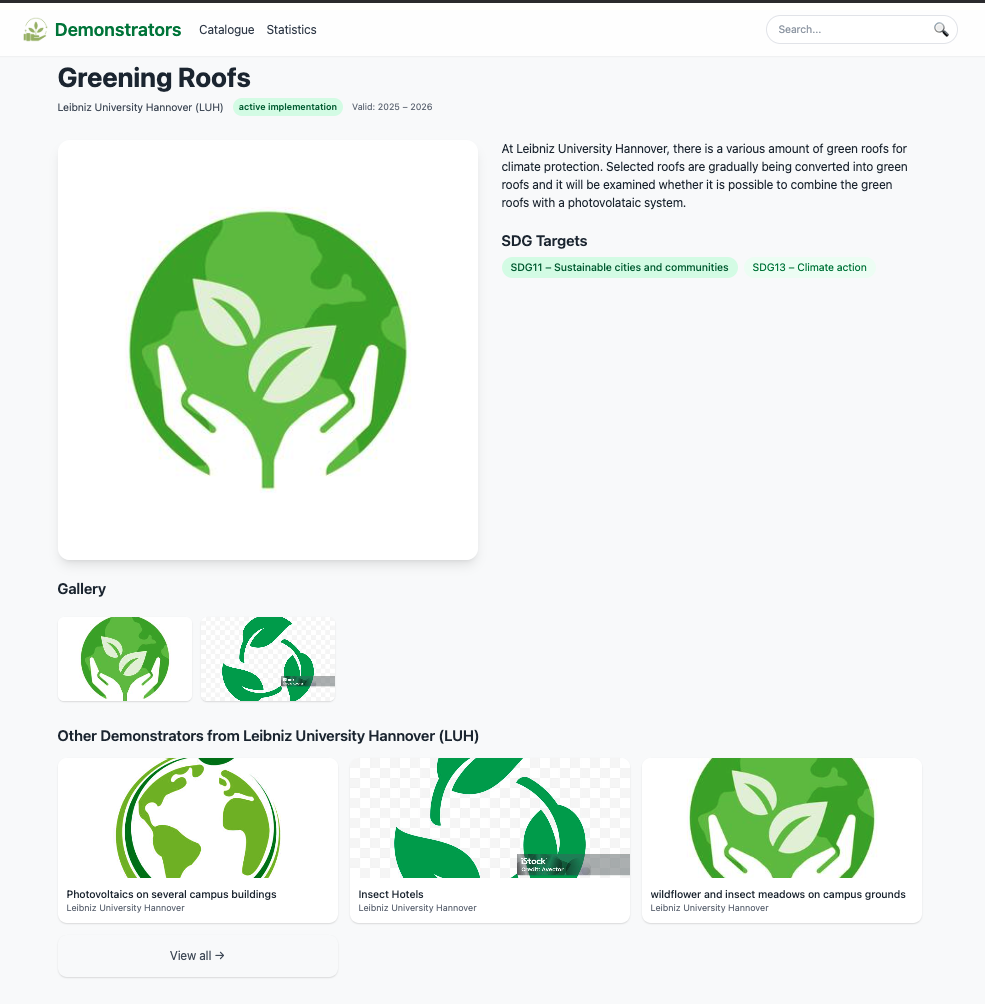
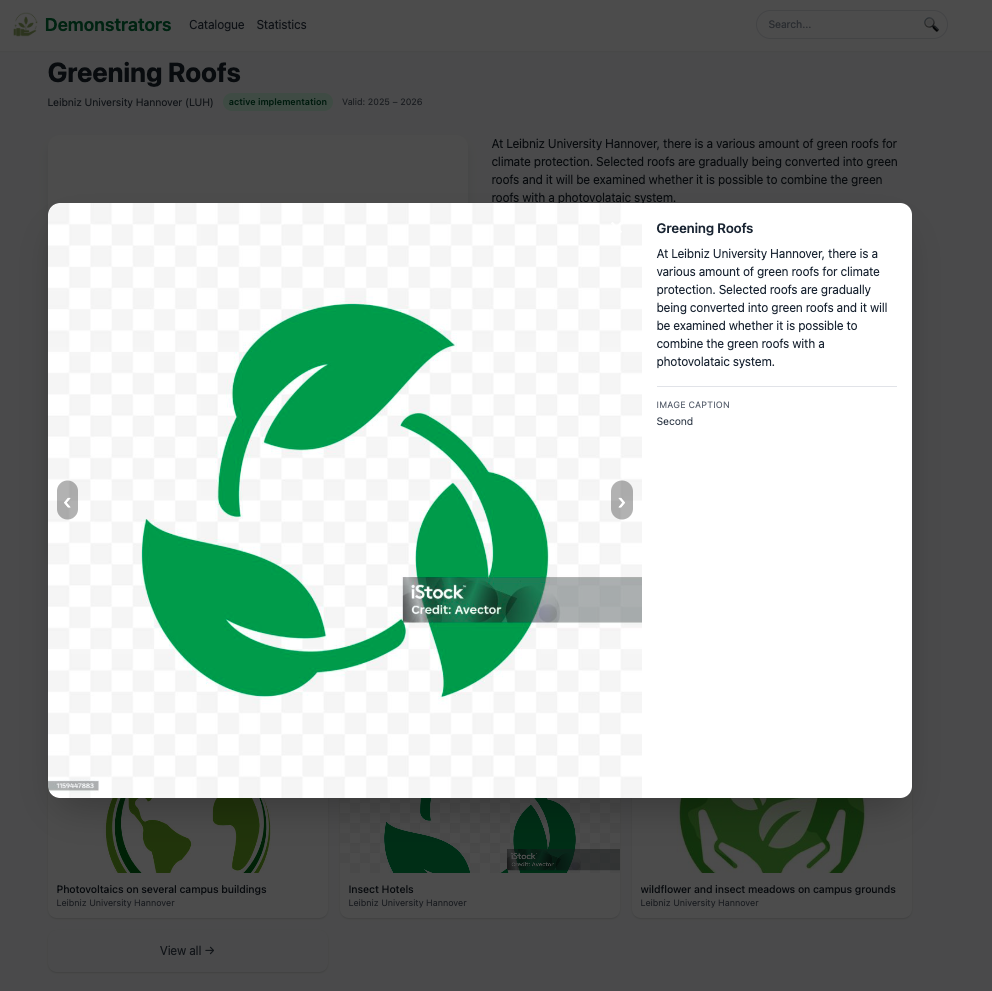
Click a demonstrator card to open its detail page. You’ll see:
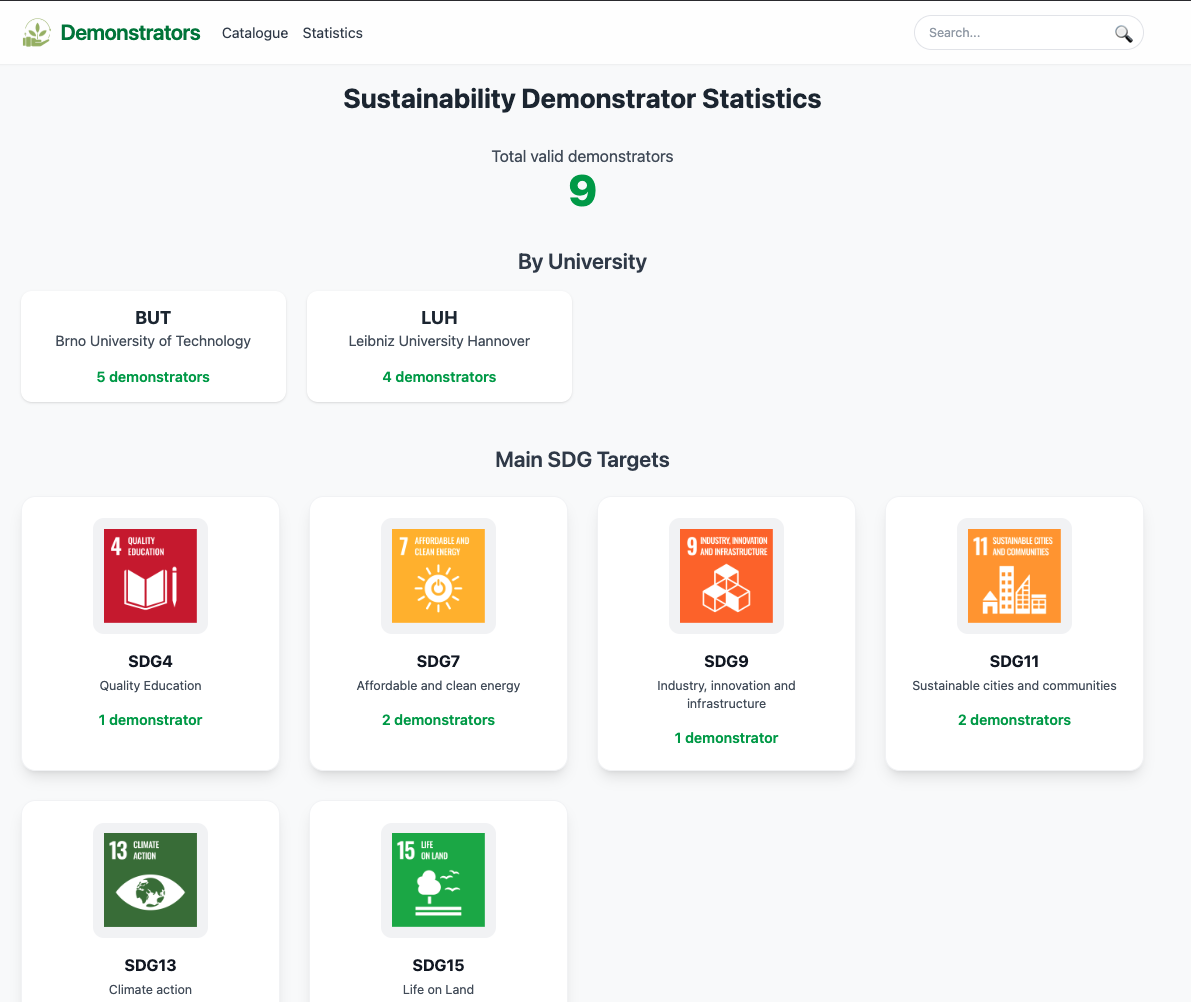
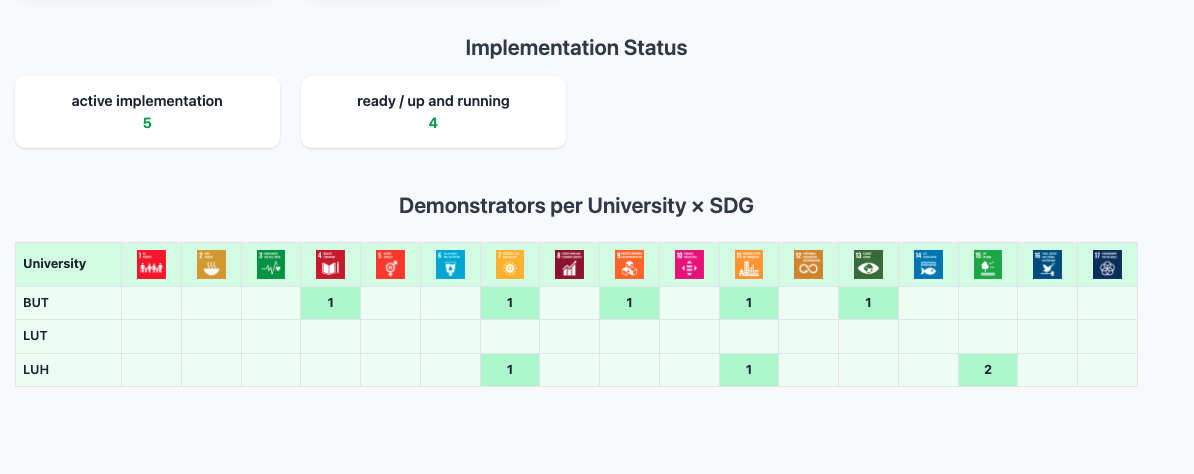
The Statistics page summarizes the catalogue at a glance: total valid demonstrators, breakdowns by university, and counts by main SDG and implementation status.
At the bottom, a matrix shows the number of demonstrators per University × SDG. The cells are clickable — selecting one takes you back to the catalogue with the corresponding filters applied.
Still stuck? Email Helpdesk.